An automatic vacuum cleaner is a smart robot that vacuums floors without supervision.
If you want clean floors with less effort, you are in the right place. I test and use these machines every day. This guide explains the Automatic Vacuum Cleaner in clear steps. You will learn how it works, what to buy, and how to get the best results. Stay with me to turn your daily clean into a set and forget routine.
What Is an Automatic Vacuum Cleaner and How It Works
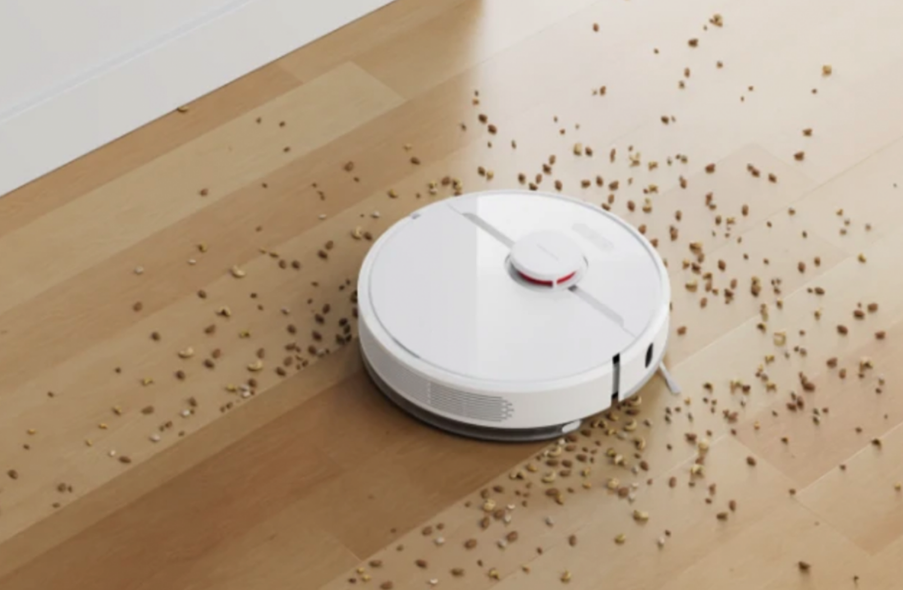
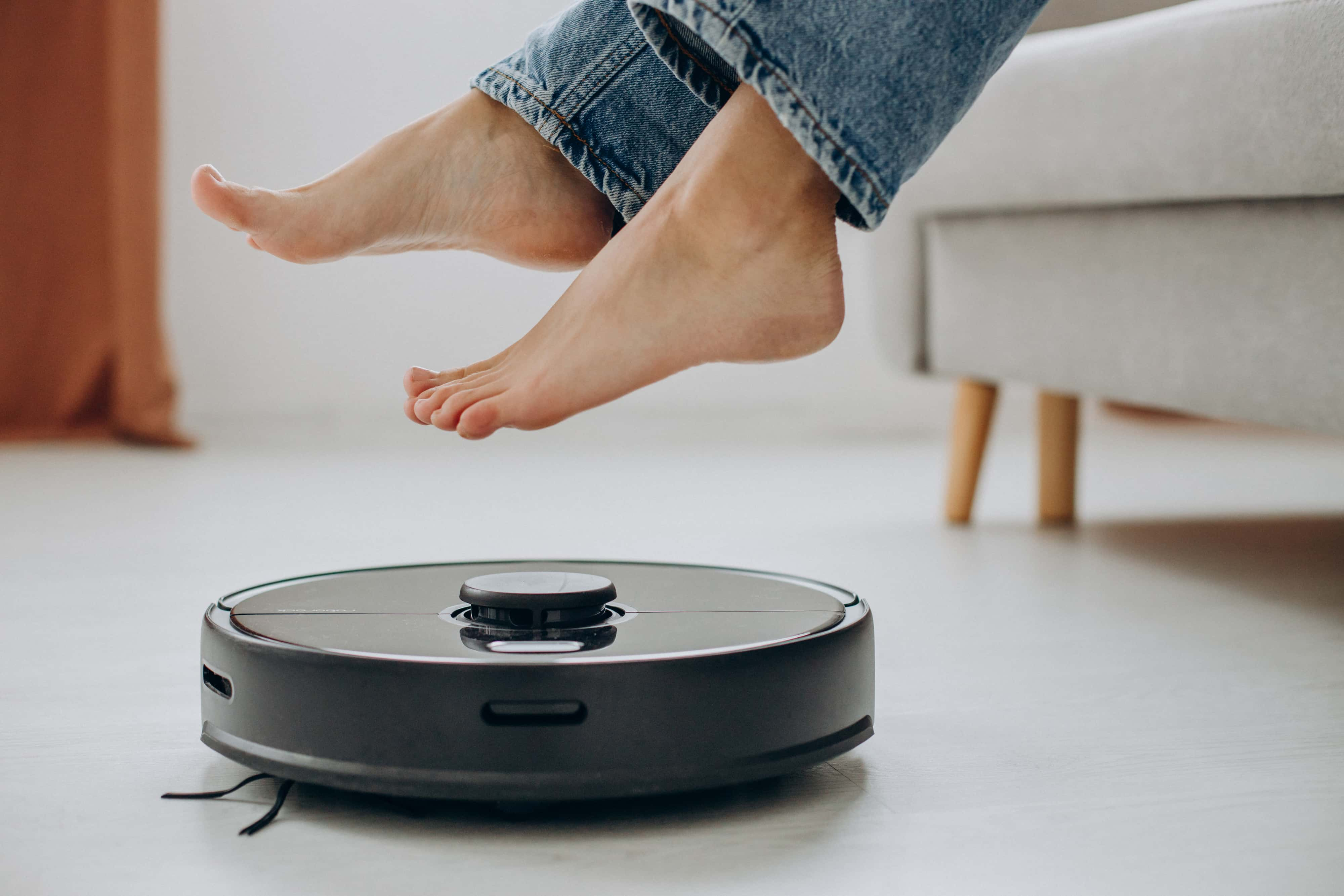
An Automatic Vacuum Cleaner is a compact robot that moves around your home and cleans floors. It uses sensors to avoid walls, furniture, and stairs. It follows a map or a pattern to cover the space. You can set a schedule or start a clean from your phone.
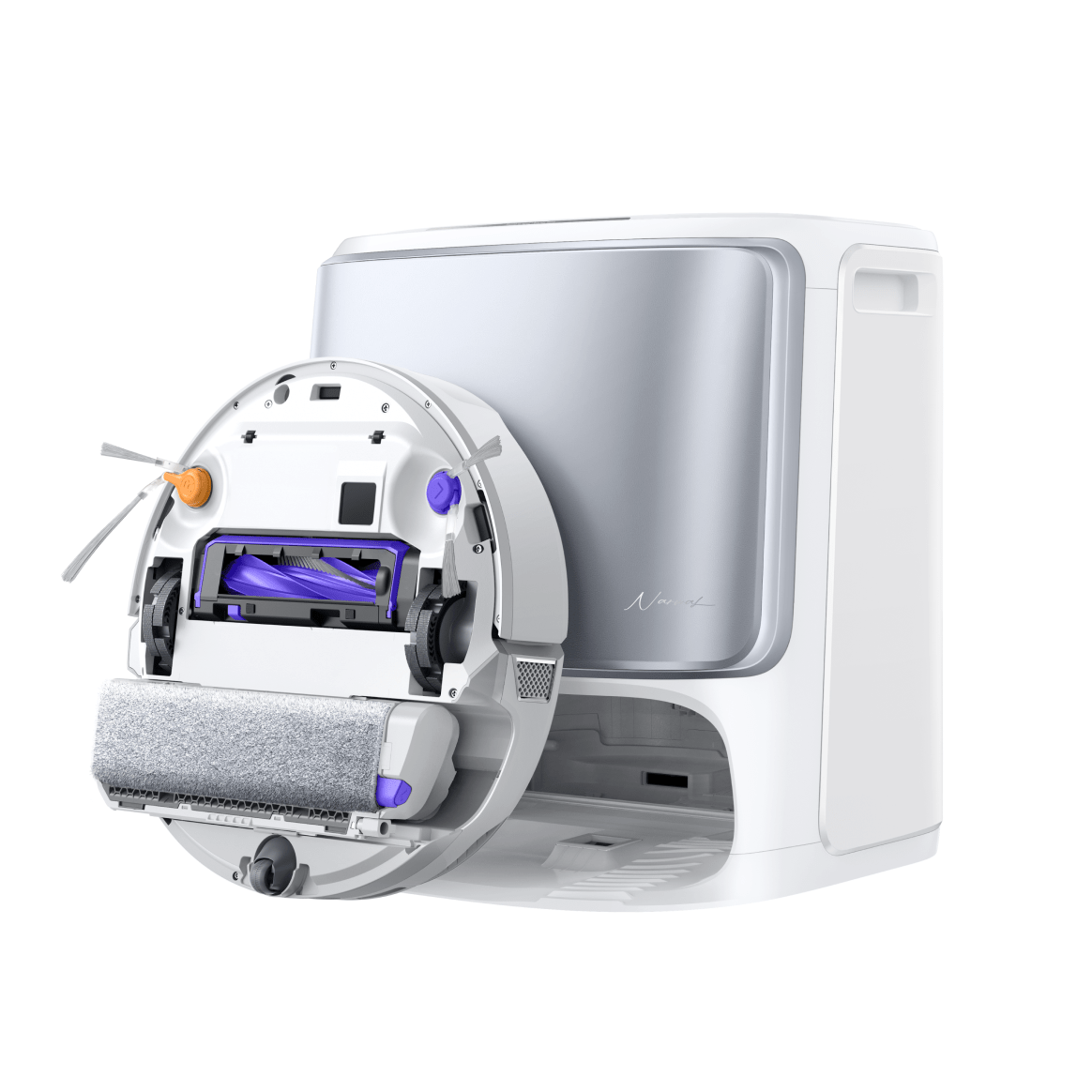
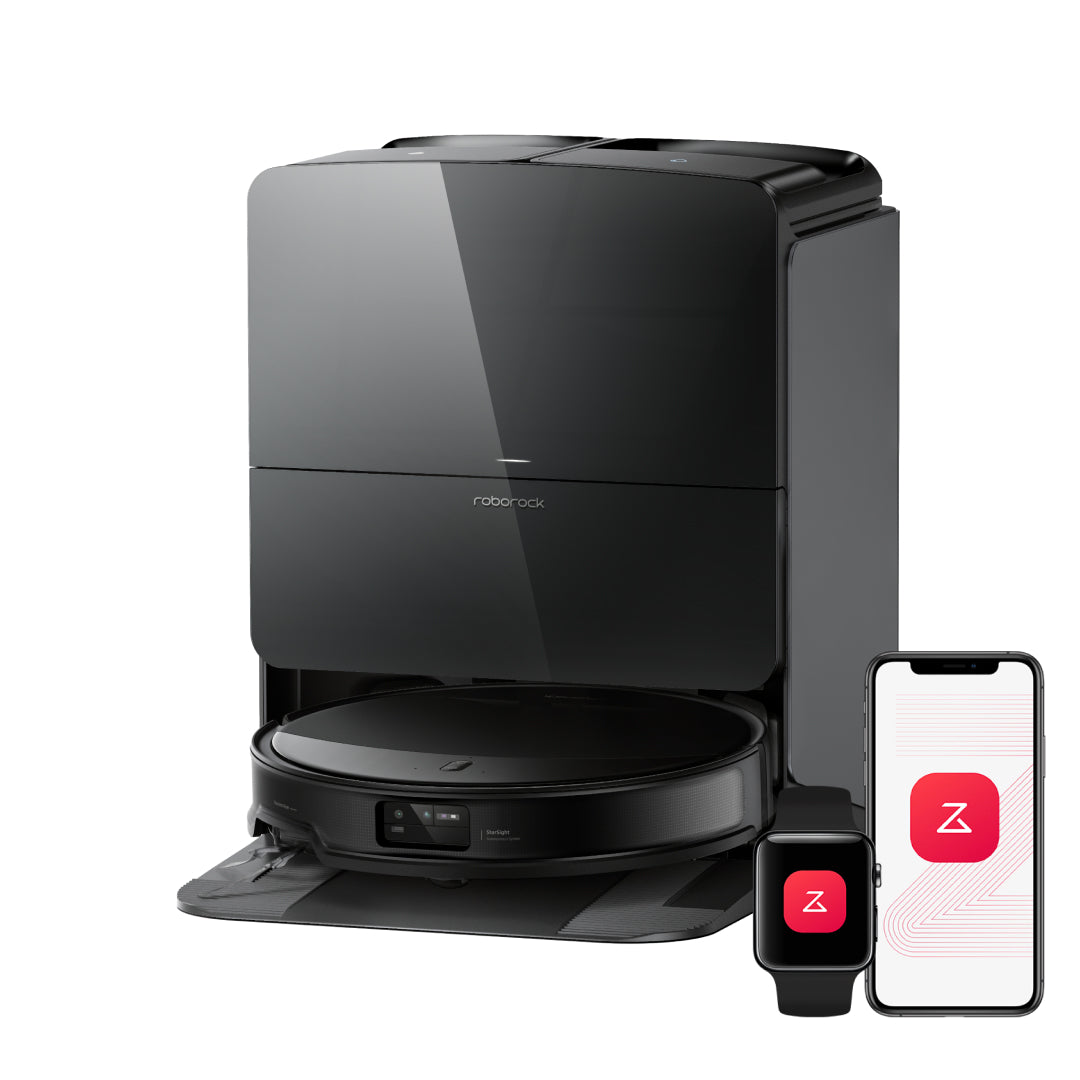
Most models have brushes to sweep dust into a suction path. A filter traps fine particles. The robot returns to its dock to charge. Some docks also empty the dust bin into a larger bag or canister.
Modern robots use lidar or cameras to build floor maps. You can set no go zones and room names in the app. Many models also work with voice assistants. A few add a mop pad for damp or scrub mopping.
Core Features That Matter
Focus on features that match your home. Here is what to look for when choosing an Automatic Vacuum Cleaner.
- Navigation type. Lidar maps fast and works in the dark. Camera mapping needs light. Random robots are cheaper but miss spots.
- Suction and airflow. Look for balanced suction and good airflow. Higher numbers help on carpet and pet hair.
- Brush system. A rubber roller fights tangles. A bristle roller lifts deep dirt from carpet. Dual rollers help with pet hair.
- Filtration. A high efficiency filter reduces dust and dander. This helps with allergies.
- Bin size and auto empty. A larger bin means fewer dumps. Auto empty docks save time in busy homes.
- Battery and runtime. Bigger homes need longer runtime. Look for recharge and resume.
- Obstacle avoidance. Front cameras or sensors help dodge cables, socks, and pet toys.
- Mopping module. Useful for hard floors. Scrub pads do better than a simple drag pad.
- App controls. Room based cleaning, no go lines, and cleaning history are helpful.
- Noise level. Quieter robots are easier to run at night or while working.
- Support and parts. Check for spare brushes, filters, and batteries that are easy to buy.
In my tests, obstacle avoidance and a good app matter more than raw suction. If the robot avoids cords and finds rooms fast, it cleans more in less time.

Cleaning Performance Explained
Cleaning results depend on a few simple things. Suction pulls debris in, while airflow moves it through the system. A tight seal on the floor boosts both. On carpet, a carpet boost mode helps by raising suction when fibers are detected.
Edge cleaning is hard for any Automatic Vacuum Cleaner. Side brushes flick dirt in, but they can also scatter some bits. A slow edge pass and a second pass mode help a lot. For pet hair, dual rubber rollers are the best mix of pickup and easy care.
Noise is also part of performance. Most robots sit between a normal talk and a loud fan. If you work from home, pick a quiet mode for daily sweeps. Then run a deep clean when you leave.

Mapping and Navigation Technologies
Robots use three main systems. Lidar sends light to read distance and shape. It builds a sharp map, even in the dark. Camera based vSLAM uses a camera to read landmarks. It needs light but can be very precise. Basic gyro or bounce bots move in patterns without a real map.
Lidar robots map fast and handle complex rooms well. Camera robots can see obstacles like shoes and cords. Entry models without mapping can miss corners and repeat paths. If you want no go lines and room names, choose lidar or camera mapping.
Mind privacy. Camera based models may process images in the cloud or on device. Most brands offer clear privacy settings. You can disable map shares and restrict data use in the app.

Real World Use: Tips, Mistakes, and Setup
I learned a lot after running robots in a busy home with kids and a shedding dog. A few habits make a big difference.
- Tidy first. Lift cables, thin rugs, and long curtains. A two minute prep saves twenty minutes of rescues.
- Place the dock well. Use a flat spot with space on both sides. Avoid tight corners.
- Set smart schedules. Daily sweeps in high traffic rooms. Deeper cleans twice a week for carpets.
- Use zones. Make a kitchen zone for quick after dinner runs. Keep no go zones around toy bins.
- Maintain on a plan. Empty the bin, clean the brush, and rinse the filter as the manual suggests.
Common mistakes include placing the dock on a thick rug, ignoring filter care, and running the first map at night with lights off on a camera robot. Avoid these and your Automatic Vacuum Cleaner will shine.

Smart Home Integration and Data Privacy
An Automatic Vacuum Cleaner can tie into your routines. You can say, start vacuum, or include it in a goodnight scene. You can also trigger cleaning when you leave home. Some apps support Siri Shortcuts and IFTTT style rules.
Check what data is stored. Most robots log maps, run times, and error codes. Turn off cloud map sharing if you do not need it. Use a strong Wi Fi password and update firmware. If privacy is key, look for local processing and guest network support.
Choosing the Right Automatic Vacuum Cleaner by Home Type
Match the robot to your space for the best results.
- Small apartments. A compact robot with good edge cleaning and quiet mode works well.
- Large homes. Pick lidar mapping, auto empty, and long runtime with recharge and resume.
- Pets and kids. Dual rubber rollers, strong suction, and obstacle avoidance help a lot.
- Mostly hard floors. A vacuum plus scrub mop combo lifts fine dust and dried spots.
- Mostly carpets. Focus on carpet boost, deep cleaning brushes, and higher airflow.
- Multi level homes. Save maps for each floor and move the dock as needed.
Measure under sofas and beds. A low profile Automatic Vacuum Cleaner fits more spaces and cleans dust zones you never reach by hand.

Budget vs Premium: What You Get at Each Price
Price changes features in clear steps. Here is a simple guide.
- Entry level. Basic navigation, smaller battery, no mopping, and manual bin emptying. Good for one or two rooms.
- Mid range. Lidar or advanced camera mapping, zone cleaning, stronger suction, and better brushes.
- Upper mid range. Auto empty docks, multi floor maps, improved obstacle avoidance, and carpet boost.
- Premium. 3D obstacle detection, self washing mop, heated pad drying, and very strong cleaning power.
If you can stretch, a mid range Automatic Vacuum Cleaner with lidar is the sweet spot for most homes.
Maintenance and Longevity
Treat the robot well and it will last. Filters need a light brush every week and a replacement every few months. Main brushes last longer but still wear. Side brushes can bend and should be swapped when frayed.
Wipe sensors with a dry cloth. Clean wheels and check axles for hair. Batteries hold up for a couple of years with normal use. Avoid deep discharges and keep firmware updated. Keep a small kit of filters and a spare side brush on hand.
Troubleshooting Common Issues
If the robot misses areas, check the map and remove blocked zones. Clean cliff and wall sensors if it bumps or stops. For docking issues, move the dock to an open spot and align the contacts.
If hair wraps around the brush, use the comb tool. If the app drops Wi Fi, move the router or add a point near the dock. For streaks while mopping, rinse pads and use the right water level. A short reset often clears error codes.
Environment and Energy Considerations
An Automatic Vacuum Cleaner uses less power than a big upright for daily dust. It also spreads cleaning into small, efficient runs. That can lower energy use and noise in your home.
Think about waste too. Reusable dust bags and washable filters cut trash. Eco modes reduce suction for light daily runs. Save max power for big weekly jobs. Small choices add up over time.
Frequently Asked Questions of Automatic Vacuum Cleaner
Are automatic vacuum cleaners good for pet hair?
Yes, many handle pet hair very well. Choose an Automatic Vacuum Cleaner with dual rubber rollers and strong suction for best results.
Can an automatic vacuum cleaner replace a regular vacuum?
For daily dust and crumbs, yes. You may still need a stick or upright for stairs and deep carpet once in a while.
Do robot vacuums work on dark floors or rugs?
Most do, but some cliff sensors see dark rugs as a drop. If that happens, disable extra cliff sensitivity only if your home has no open stairs.
How often should I run my Automatic Vacuum Cleaner?
Daily in high traffic rooms is ideal. For the whole home, three to five times a week keeps floors fresh.
Will an automatic vacuum cleaner scratch hardwood?
Quality models are safe on sealed wood. Keep wheels and brushes clean, and avoid dragging grit by emptying the bin and wiping sensors.
What is the average lifespan of an Automatic Vacuum Cleaner?
Two to five years is common with proper care. Replace filters, brushes, and the battery on schedule to extend life.
Do I need Wi Fi to use an automatic vacuum cleaner?
You can start a clean with the button on most robots. Wi Fi unlocks maps, schedules, zones, and voice control.
How loud is an Automatic Vacuum Cleaner?
Most run between a quiet talk and a small fan. Turbo mode is louder, so schedule that when you are out.
Conclusion
A clean floor should not take your day. With the right Automatic Vacuum Cleaner, you get steady, quiet, and reliable cleaning that fits your life. Match the robot to your home, set smart schedules, and keep up with simple care.
If you are ready, pick a model that fits your space and start with a room by room map. Try my tips, avoid the common mistakes, and enjoy the time you get back. Want more guides and real world tests? Subscribe, share your questions, or leave a comment with your setup and I will help you dial it in.